WordPress vs Squarespace for Small Business: The Definitive 2025 Comparison
The WordPress vs Squarespace for small business debate is one of the most consequential platform decisions a business owner will make — and one of the most poorly served by superficial “both are great” comparisons. We’ve built and optimised hundreds of small business websites across both platforms. This guide tells you exactly which wins, where, why, and for whom — with the specific technical and financial data to back it up.
Direct answer: For most small service businesses focused on long-term growth, local SEO, and full digital ownership, WordPress wins decisively. Squarespace is easier to start with and serves a narrow set of use cases well. The difference between the two compounds significantly over 12–36 months of operation.
Table of Contents
- The Core Difference: Ownership vs Rental
- Full Feature Comparison Table
- SEO: Where WordPress Web Design Dominates
- Page Speed and Core Web Vitals
- Design Flexibility: WordPress Website Design Agency vs Squarespace Templates
- Real Cost Over 5 Years
- When Squarespace Is the Right Answer
- WordPress vs Squarespace by Business Type
- Debunking the “Too Technical” Myth
- Frequently Asked Questions

The Core Difference: Ownership vs Rental
Before comparing features, understand the fundamental architectural difference that underpins everything else in the WordPress vs Squarespace for small business decision.
What is the core difference between WordPress and Squarespace?
The core difference is ownership: WordPress is open-source software you install on your own hosting server and own completely, while Squarespace is a proprietary platform you rent on a monthly subscription — meaning Squarespace controls your website, your data, and your pricing indefinitely.
When you build on self-hosted WordPress — whether through a wordpress web page design service or a full-build agency — via a WordPress website design company:
- You own every file — theme, plugin, media, database
- You choose your hosting provider and can switch tomorrow
- You can migrate your entire site to any WordPress-compatible host in under 30 minutes
- No company can raise your prices, remove features, or shut down your account
- Your website is a digital asset with equity — transferable, sellable, and permanently yours
When you build on Squarespace:
- You rent a website on Squarespace’s servers under Squarespace’s terms
- If Squarespace raises prices or shuts down a plan tier, you adapt or rebuild
- Your content can be partially exported (blog posts only) — your design and structure cannot
- Leaving Squarespace means rebuilding from zero on a new platform
- Your monthly subscription is an operating expense, not an investment
A WordPress website design agency builds you a permanent digital asset. Squarespace sells you a subscription service.
Full Feature Comparison: WordPress vs Squarespace for Small Business
| Feature | WordPress (Self-Hosted) | Squarespace |
|---|---|---|
| Ownership | ✅ Full — you own all files | ❌ Rented platform |
| Monthly cost | $5–20/mo (hosting only) | $23–65/mo (subscription) |
| SEO capability | ✅ Excellent (RankMath, full schema) | ⚠️ Basic — limited schema control |
| Schema markup | ✅ Full JSON-LD control | ❌ Very limited, no custom types |
| Page speed control | ✅ Full — you configure caching, CDN | ❌ Platform-controlled, limited |
| Design flexibility | ✅ Unlimited via Elementor Pro | ⚠️ Template-constrained |
| Plugin ecosystem | ✅ 60,000+ plugins | ⚠️ ~30 native integrations |
| eCommerce | ✅ WooCommerce (unlimited) | ⚠️ Built-in but limited |
| Custom code access | ✅ Full | ⚠️ Limited CSS only |
| Website development WordPress | ✅ Full wordpress website development services | ❌ Not available |
| Migration | ✅ Easy — export to any host | ❌ Partial export, design lost |
| Local SEO schema | ✅ LocalBusiness JSON-LD | ❌ Not configurable |
| Google Search Console | ✅ Direct sitemap submission | ⚠️ Indirect |
| Learning curve | ⚠️ Moderate initial setup | ✅ Low |
| 5-year total cost | ~$700–$1,200 | ~$1,380–$3,900 |
SEO: Where WordPress Web Design Decisively Dominates
In the WordPress vs Squarespace for small business debate, SEO is the category with the clearest, most measurable winner. This is where the platform choice directly affects your revenue.
Why does WordPress outperform Squarespace for SEO?
WordPress outperforms Squarespace for SEO because it gives you complete, granular control over every technical SEO element — schema markup, canonical tags, robots.txt, URL architecture, XML sitemap structure, and page speed optimisation — while Squarespace abstracts and restricts access to most of these, particularly schema markup, which is critical for local service businesses.
Squarespace vs WordPress SEO: The Technical Gap
The squarespace vs wordpress seo comparison is not close. WordPress with RankMath gives you complete control over every technical SEO variable — schema markup, canonical tags, robots.txt, redirect management, and XML sitemap structure. Squarespace locks most of these behind the platform, making meaningful technical SEO optimisation impossible without injecting raw code.
Schema Markup: The Silent Local SEO Differentiator
Schema markup is structured data that tells Google exactly what your business is, where it is, what it does, and what customers say about it. Properly configured schema markup produces:
- Star ratings visible directly in Google search results
- Business hours in the search snippet
- FAQ answers expanded in the SERP
- Service descriptions with pricing in rich results
On WordPress with RankMath (used in every WebsiteIn72 build):
- LocalBusiness, ProfessionalService, or Service schema configured per page in 10 minutes
- Full JSON-LD output — the format Google prefers
- FAQ schema from any FAQ section — automatic rich result eligibility
- Breadcrumb schema for enhanced SERP appearance
On Squarespace:
- Some schema auto-generates (basic product schema only)
- LocalBusiness schema is not directly configurable
- Custom JSON-LD requires injecting raw code in the header — fragile and unsupported
- FAQ schema does not exist natively
On-Page SEO Control: WordPress Website Design Services vs Squarespace
| SEO Element | WordPress + RankMath | Squarespace |
|---|---|---|
| Meta title per page | ✅ Full control | ✅ Full control |
| Meta description per page | ✅ Full control | ✅ Full control |
| Focus keyword tracking | ✅ RankMath per page | ❌ Not available |
| Schema markup (all types) | ✅ Full JSON-LD | ❌ Very limited |
| XML sitemap | ✅ Auto-generated, submitted | ⚠️ Less control |
| Robots.txt editing | ✅ Full access | ❌ Not editable |
| Canonical tags | ✅ Configurable per page | ⚠️ Auto only |
| 301 redirect manager | ✅ Built into RankMath | ⚠️ Basic, limited |
| Breadcrumb schema | ✅ Automatic | ❌ Not available |
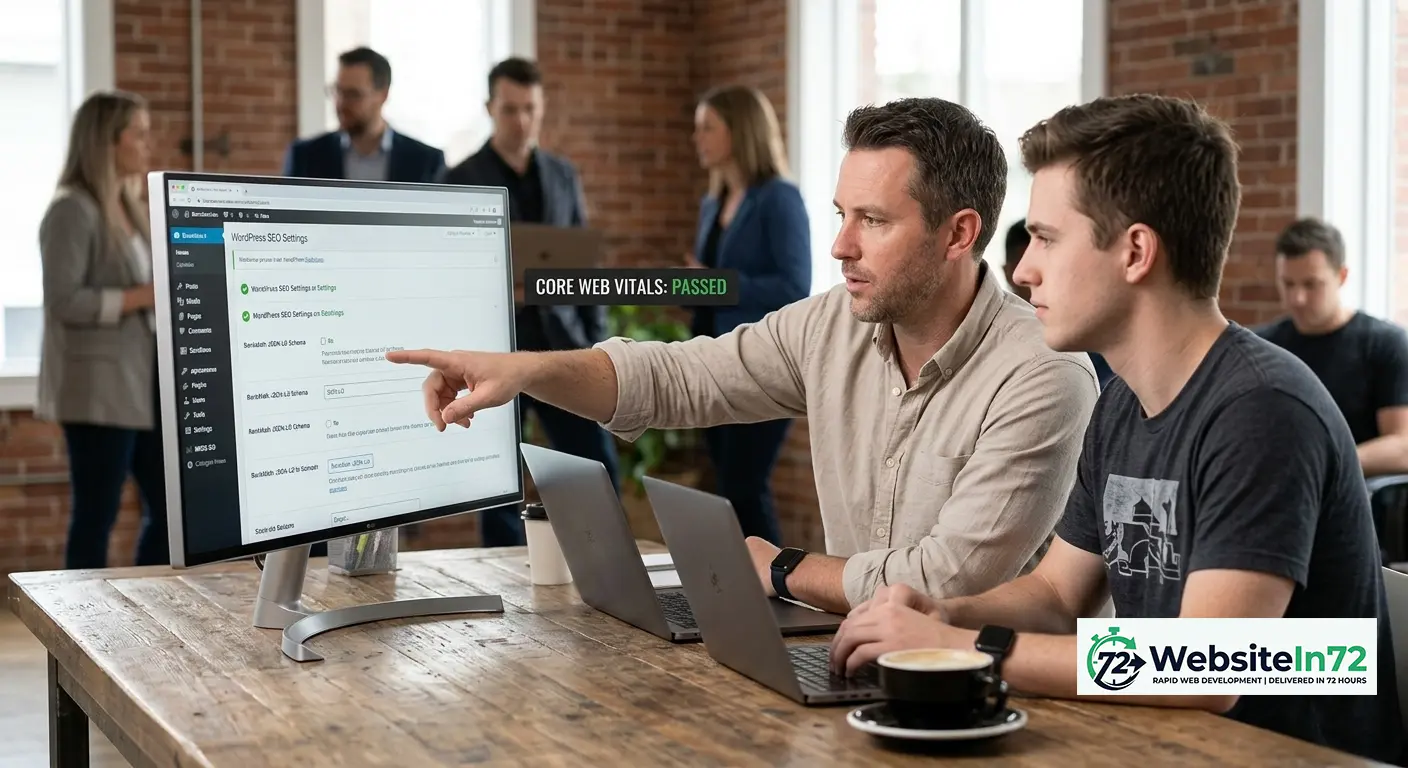
Page Speed and Core Web Vitals: A Critical Ranking Factor
Google’s Core Web Vitals are a confirmed ranking signal for mobile search. In the WordPress vs Squarespace for small business comparison, page speed is the technical category with the most measurable gap.
Why is WordPress faster than Squarespace for business websites?
WordPress is faster than Squarespace because you control every variable that affects page speed — hosting quality, caching layer, image optimisation, JavaScript loading behaviour, and theme architecture — while Squarespace’s proprietary platform bakes in significant JavaScript overhead that users cannot modify or remove.
Squarespace PageSpeed Reality
Independent testing consistently shows Squarespace sites scoring 35–65 on Google PageSpeed Mobile — even on clean, minimal templates. Users cannot control server-side caching, CDN delivery rules, JavaScript bundle loading order, or third-party script management.
WordPress Web Design with Proper Configuration
A WordPress web design build on Astra + Elementor + Airlift cache, with compressed images and deferred scripts, routinely achieves:
- 80–95+ Google PageSpeed Mobile on standard service business sites
- LCP under 2.0 seconds
- CLS under 0.05
- INP under 150ms
At WebsiteIn72, 80+ mobile PageSpeed is our delivery standard — not our aspirational target. Every WordPress website design build is audited against Core Web Vitals before the staging link is sent.
What a 30-point PageSpeed advantage means: Google’s own research shows 53% of mobile users abandon a site that takes more than 3 seconds to load. For a business with 500 monthly website visitors, a 30-point PageSpeed improvement recovers 150–200 visitors who would otherwise have bounced before reading a word.
Design Flexibility: WordPress Website Design Agency vs Squarespace Templates
Squarespace: Polished But Structurally Constrained
Squarespace templates are genuinely beautiful. The platform has invested heavily in design quality and a non-technical user can produce a clean, credible-looking site within an afternoon. The constraint appears the moment you want something the template doesn’t support:
- How elements can be repositioned within sections
- Which font pairings are available without custom CSS injection
- How columns and grids can be structured
- What types of interactive elements can be added
You adapt your brand to their template. A professional WordPress website design agency builds the template to your brand.
WordPress + Elementor Pro: True Creative Freedom
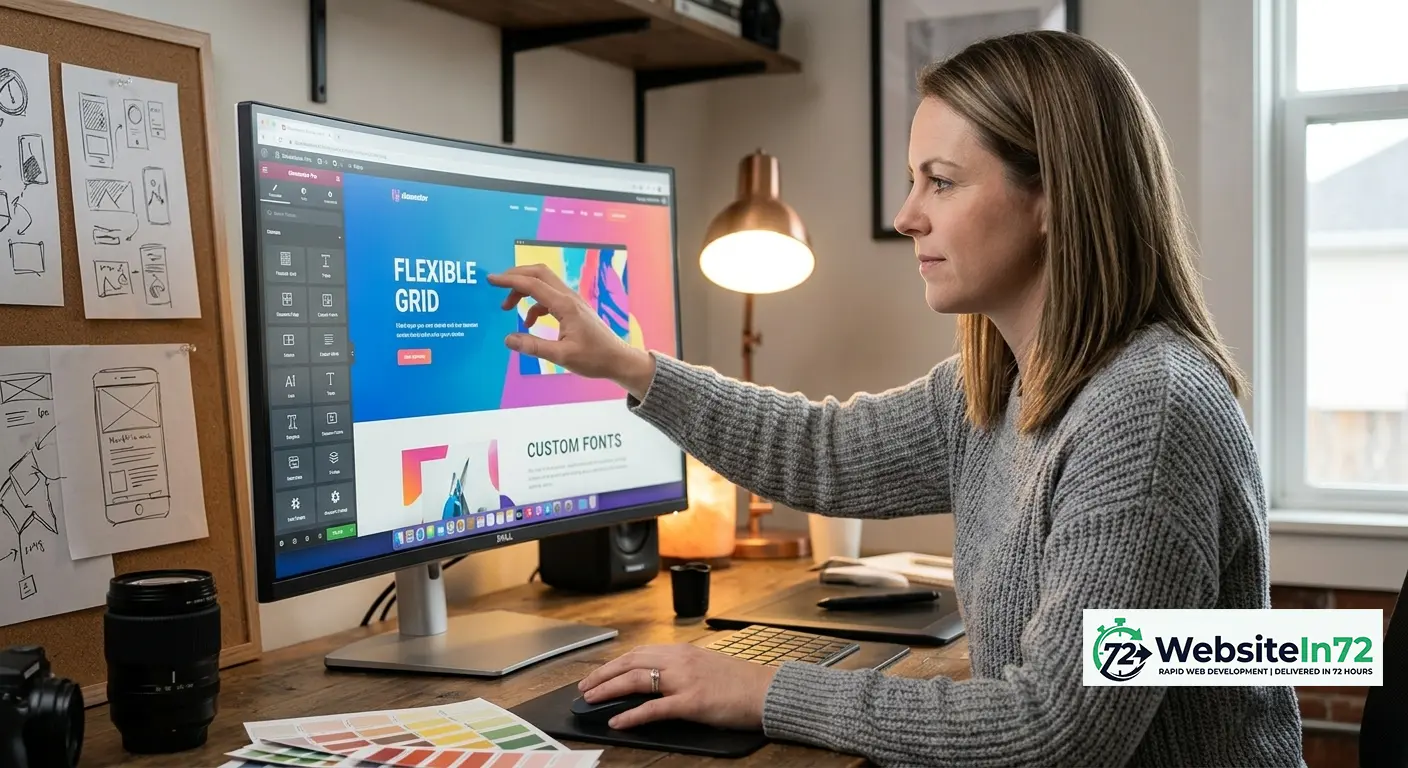
Elementor Pro transforms WordPress into a genuine visual design system. Every element — padding, margins, typography scale, hover animations, responsive breakpoints, conditional display rules — is configurable via drag-and-drop without writing code. The Astra theme used by every WebsiteIn72 build adds zero layout constraints — it functions as a clean canvas that amplifies Elementor’s capabilities rather than constraining them.
Real Cost Over 5 Years: WordPress vs Squarespace for Small Business
Squarespace 5-Year Cost
| Plan | Monthly | 5-Year Total | What You Own at Year 5 |
|---|---|---|---|
| Basic | $23/mo | $1,380 | Nothing |
| Business | $33/mo | $1,980 | Nothing |
| Commerce | $65/mo | $3,900 | Nothing |
WordPress 5-Year Cost (WebsiteIn72 Build)
| Item | Cost | Notes |
|---|---|---|
| WebsiteIn72 build | $499 one-time | Pay after approval only |
| Domain (5 years) | $75 | ~$15/yr |
| Managed hosting (5 years) | $600–$1,000 | $10–$20/mo |
| Premium plugins (optional) | $0–$300/yr | Most essentials are free |
| 5-year total | ~$700–$1,500 | |
| What you own at Year 5 | A fully operational WordPress site — transferable, sellable, yours forever | |
By Year 3, the average Squarespace subscriber has spent more on subscriptions alone than a WebsiteIn72 WordPress build costs — and still owns nothing.
When Squarespace Is Actually the Right Answer
Intellectual honesty requires acknowledging this. Squarespace is genuinely better in specific circumstances:
- Pure portfolio sites — photographers and illustrators where visual template quality matters more than SEO
- Complete technical non-starters — business owners who will never update their site and want zero maintenance
- Single-product commerce with no growth ambition — selling one or two items with no SEO focus
- Prototype or validation sites — testing a business idea before committing to a proper build
For every other small business scenario — service companies, consultants, recruitment agencies, trades, clinics, legal firms, coaches — WordPress wins on every metric that compounds over time.
WordPress vs Squarespace for Small Business: Verdict by Business Type
| Business Type | Platform | Primary Reason |
|---|---|---|
| Local service business (plumber, electrician) | ✅ WordPress | LocalBusiness schema, local SEO, page speed |
| Consulting or professional services firm | ✅ WordPress | Content marketing, schema, authority signals |
| Recruitment agency | ✅ WordPress | JobPosting schema, dual-audience architecture |
| Medical or legal practice | ✅ WordPress | Schema compliance, SEO performance, ownership |
| Trades business | ✅ WordPress | Speed, local SEO, WhatsApp integration |
| Photography portfolio | ⚠️ Either | Squarespace templates suit visual portfolios |
| Single-product eCommerce | ⚠️ Either | Squarespace Commerce is simpler to start |
| Content and blog-led business | ✅ WordPress | Built as a publishing platform first |
Debunking the “WordPress Is Too Technical” Myth
Is WordPress difficult for small business owners to use?
WordPress is not difficult for small business owners to use for day-to-day content management. Adding a blog post, updating a service description, changing a phone number, or uploading a new portfolio image via the WordPress dashboard requires no technical skills — it’s comparable in complexity to editing a Google Doc.
The technical complexity of WordPress lives in initial setup and configuration — exactly what a WordPress website design agency or WordPress design agency handles for you. Once your site is built and handed over by WebsiteIn72, your daily WordPress interaction involves:
- Adding a blog post: identical to using a word processor
- Changing a phone number: click the text, type the new number, save
- Updating your service list: click the section, edit the text, save
- Uploading a team photo: click the image, select “Change Image,” upload, save
Every WebsiteIn72 build — delivered as a full-service wordpress website agency — includes a post-handover walkthrough covering these day-to-day admin tasks. You leave knowing your site. No ongoing dependence on us required.
What about plugin updates and security?
Modern managed WordPress hosting handles core WordPress updates automatically. Plugin updates take 60 seconds in the admin panel. Security is handled by Wordfence’s free tier. This is maintenance comparable to updating apps on your phone — not technical complexity requiring specialist skills.
Further Reading
- WordPress.org — the self-hosted open-source CMS
- Google SEO Starter Guide
- Schema.org LocalBusiness markup reference
Frequently Asked Questions
Is WordPress or Squarespace better for small business?
WordPress is better for most small businesses because it delivers full site ownership, superior SEO capabilities including complete schema markup control, higher achievable page speed through configurable caching, unlimited design flexibility via Elementor, and lower total cost over 3–5 years. Squarespace is better for portfolio sites and use cases where SEO is not a priority.
Can WordPress website design services match Squarespace for ease of use?
For day-to-day content management after a professional build, WordPress is comparable to Squarespace in ease of use. The technical setup — hosting, theme, plugins, SEO configuration — is handled once at build time by your WordPress website design agency and never needs repeating.
What does a WordPress website design company provide that Squarespace doesn’t?
A wordpress web design company or WordPress website design company provides full site ownership, complete RankMath SEO configuration including schema markup and sitemap control, page speed optimisation targeting 80+ Google PageSpeed Mobile, and a website you own outright — with no ongoing platform fees and the freedom to change hosting providers without rebuilding.
How does WordPress web design compare to Squarespace for local SEO?
WordPress web design significantly outperforms Squarespace for local SEO because WordPress with RankMath allows full configuration of LocalBusiness schema markup — the structured data that produces star ratings, business hours, and service details in Google search results. Squarespace does not support LocalBusiness schema configuration, which is a material competitive disadvantage for any business targeting local search traffic.
Which is cheaper: WordPress or Squarespace for small business?
WordPress is cheaper over any timeframe beyond 18 months. A WebsiteIn72 WordPress build costs $499 one-time plus approximately $10–20/month for hosting. Squarespace costs $23–65/month indefinitely. By Year 3, the average Squarespace subscriber has spent more on subscriptions alone than the entire cost of a professional WordPress build — and still owns nothing at the end.
Is WordPress better than Squarespace for a service business?
Is WordPress better than Squarespace for a service business? Yes — decisively. WordPress delivers full site ownership, superior technical SEO including complete schema markup control, higher achievable page speed through configurable caching, and zero platform lock-in. For any service business competing on Google, WordPress outperforms Squarespace on every metric that drives long-term growth.
What is the best website platform for small business in 2025?
WordPress is the best website platform for small business in 2025 for any business that prioritises Google rankings, local SEO, page speed performance, or long-term digital ownership. It powers 43% of all websites on the internet — not because it’s the default, but because it consistently outperforms alternatives on the metrics that drive business growth.
We build professional WordPress sites — $499, live in 72 hours, zero upfront payment.
See your site on your phone before you pay a cent. Approve it, then we launch.
👉 Start your WordPress build today →